Why Submissions Get Returned
- Missing attachments or unclear scans
- Mismatch between license details and uploaded documents
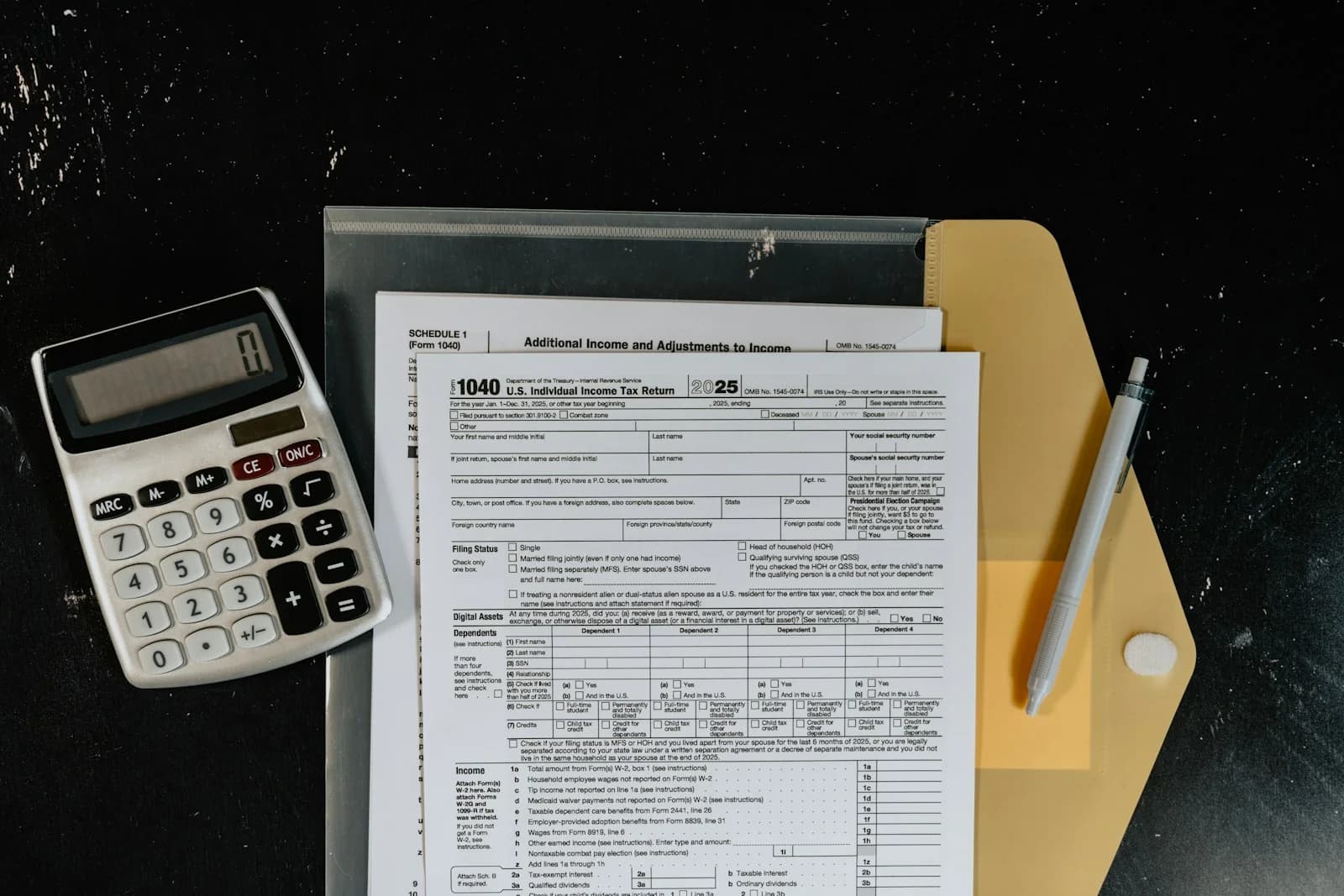
- Incorrect form typing or incomplete fields
- Unclear follow-up and missed responses
Preparation Checklist
- Trade license and company documents
- Employee details (as applicable)
- Clear PDFs and correct file naming
- One folder with the latest documents only
Clean Submission Workflow
- Confirm the exact requirement (what pass/registration is needed for your activity)
- Collect documents into one folder and remove duplicates
- Type forms carefully and keep spelling consistent (company name, ID numbers)
- Submit and keep a simple tracker (date, ref, pending items)
- Respond quickly if additional information is requested
Common Tips That Save Time
- Send readable PDFs (avoid phone screenshots)
- Use one authorized contact person for follow-ups
- Keep a separate folder for older/expired documents (do not mix)
- Double-check phone/email because portals often verify contacts
How Tellus Typing Center Helps
We support typing, document preparation and follow-up workflow for smoother processing. Service page: CICPA Registration.